

/robots slash command opens a full-screen picker where you can browse the library, preview any robot instantly, or stage it into your workspace so Drift can build around it.
/robots is the fastest way to bring a well-known robot into a Drift session. If you want to author a scene from scratch instead, see Building a MuJoCo Scene.Opening the library
From any Drift prompt, type:↑↓ to navigate, Enter to select, ← to go back, and q to quit.
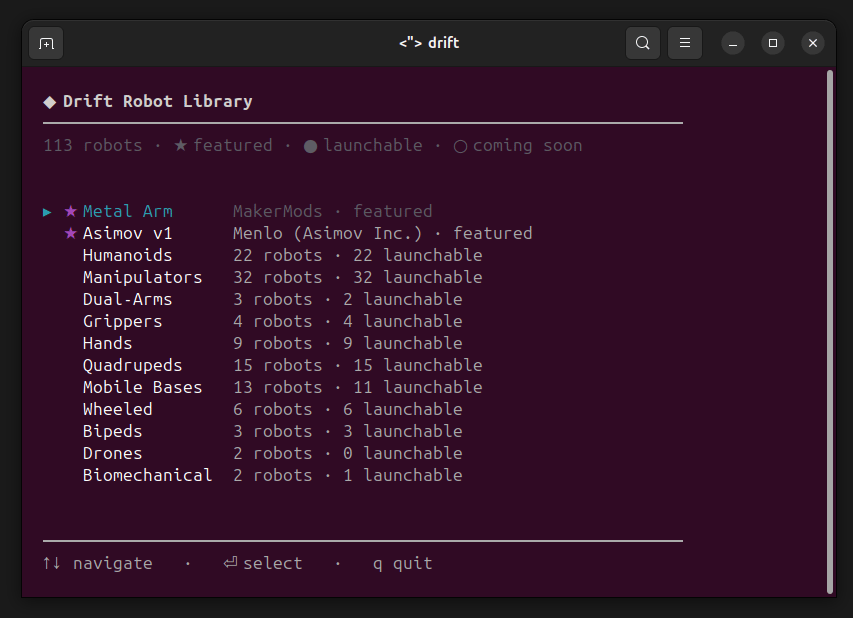
Picking a robot: format → action
After selecting a model, Drift asks two more questions:- Format — MJCF (opens in MuJoCo), URDF (opens in RViz), or USD (opens in Isaac Sim). Only formats the robot actually ships are offered.
- Action — Preview in the appropriate viewer (View in Isaac Sim for USD), Add to workspace, or Go back.
Preview
Opens the robot in the viewer without touching your workspace. Physics is paused so the model stays in its home pose regardless of whether its actuators can hold it under gravity — this is a preview, not a stability test.View in Isaac Sim needs an NVIDIA RTX GPU and Isaac Sim installed. MuJoCo and RViz previews fall back to software rendering on machines without a GPU; Isaac Sim can’t. See Isaac Sim for what each machine can do.
Add to workspace
Stages the bundle at./robots/<robot-id>/ in your current working directory. No launch. From there, Drift treats it as the “active robot” for the session — subsequent prompts like launch it in mujoco or add a lidar to the head link resolve against that robot.
Two featured robots to try
Two robots ship with pre-composed demo scenes ready to inspect. Pick either from the library, choose MJCF → Preview in MuJoCo:Asimov v1 (Menlo)
Full humanoid with legs and arms. Preview holds the standing home pose so you can rotate the camera around it and inspect the model.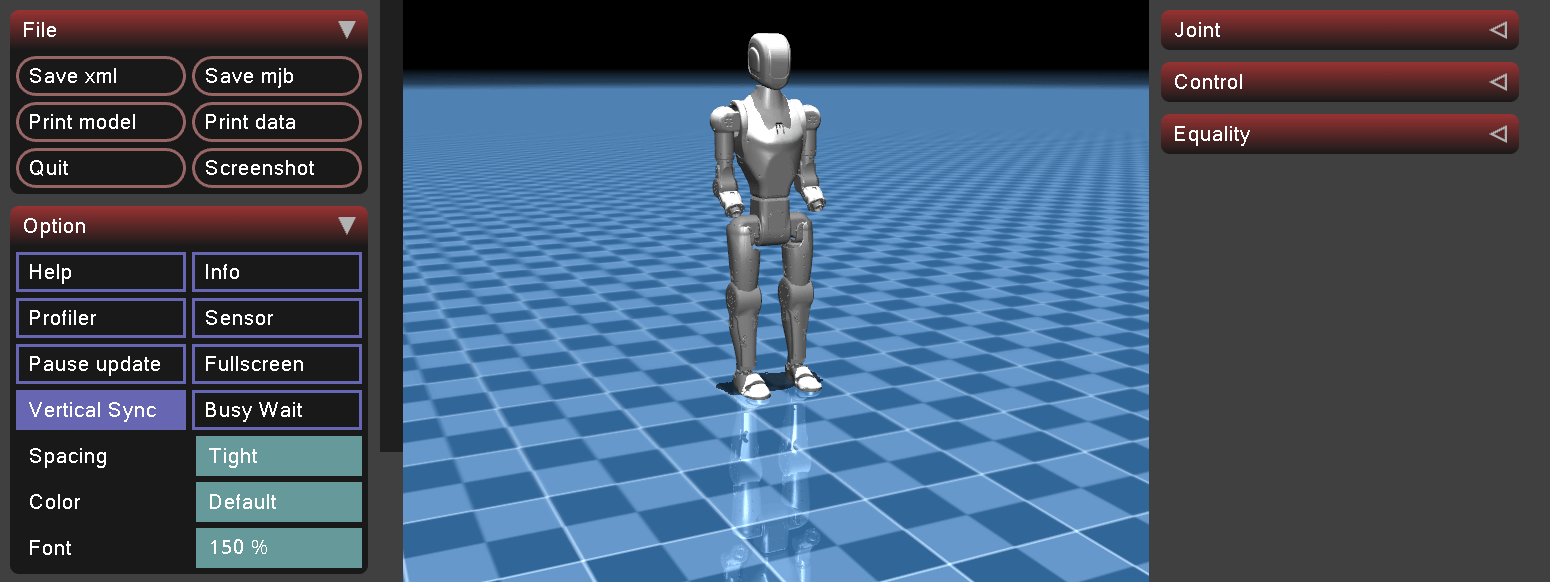
Metal Arm by MakerMods
6-DOF fixed-base manipulator arm on a bench mount. Preview holds a folded rest pose. Metal Arm also composes with Drift’s demo world scenes for pick-and-place demonstrations.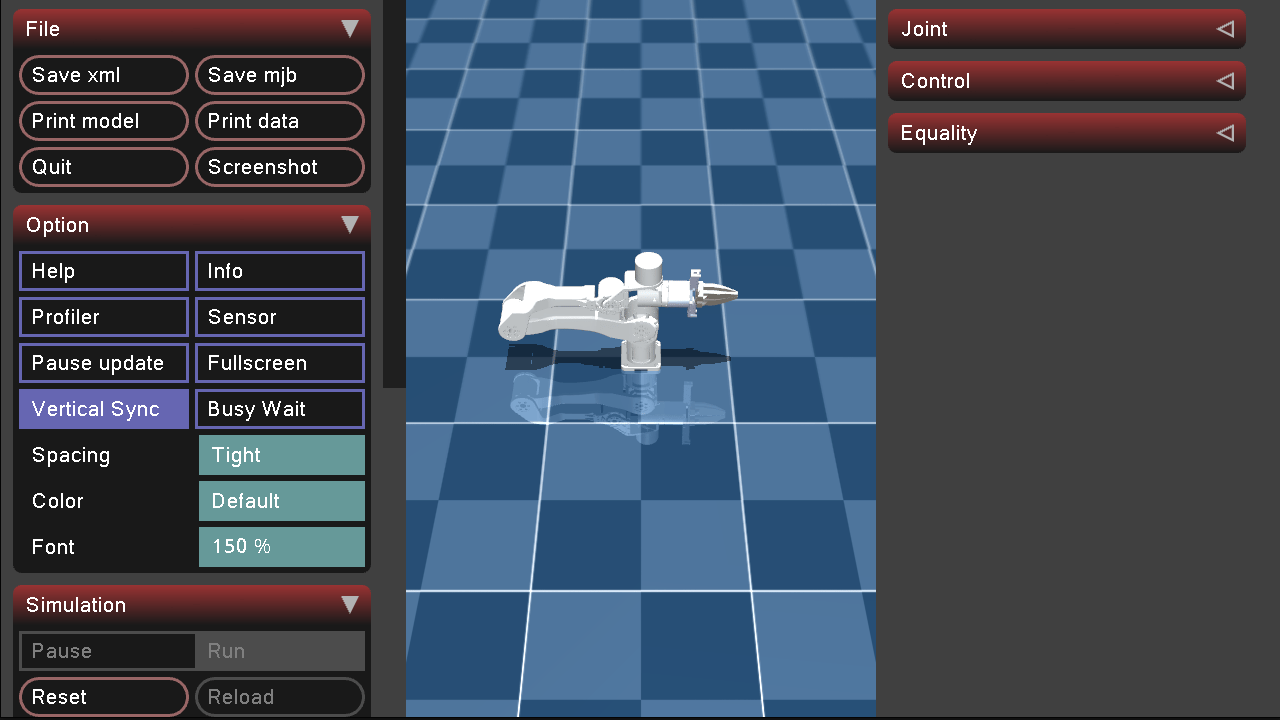
Preview vs. real launch — what physics runs
Preview is intentionally frozen so a robot with underspecified actuators or borderline balance doesn’t topple over during inspection. When you want to test physics, ask Drift to launch it via chat.Where the files land
- Preview caches the bundle to
~/.drift/robots-cache/for reuse across sessions. No workspace changes. - Add to workspace copies the bundle to
./robots/<robot-id>/under your current working directory. The bundle contains the model file (robot.xml,robot.urdf, or the USD stage), meshes, and — for MJCF — any bundled scene wrappers. Pre-composed demo worlds are offered for MJCF robots only; URDF and USD robots are staged on their own.