

The prompt
- Generates a URDF with 3 revolute joints, realistic mesh geometry, correct inertia tensors, and collision shapes
- Scaffolds the full ROS2 package structure with
CMakeLists.txt,package.xml, and controller configs - Builds the workspace with
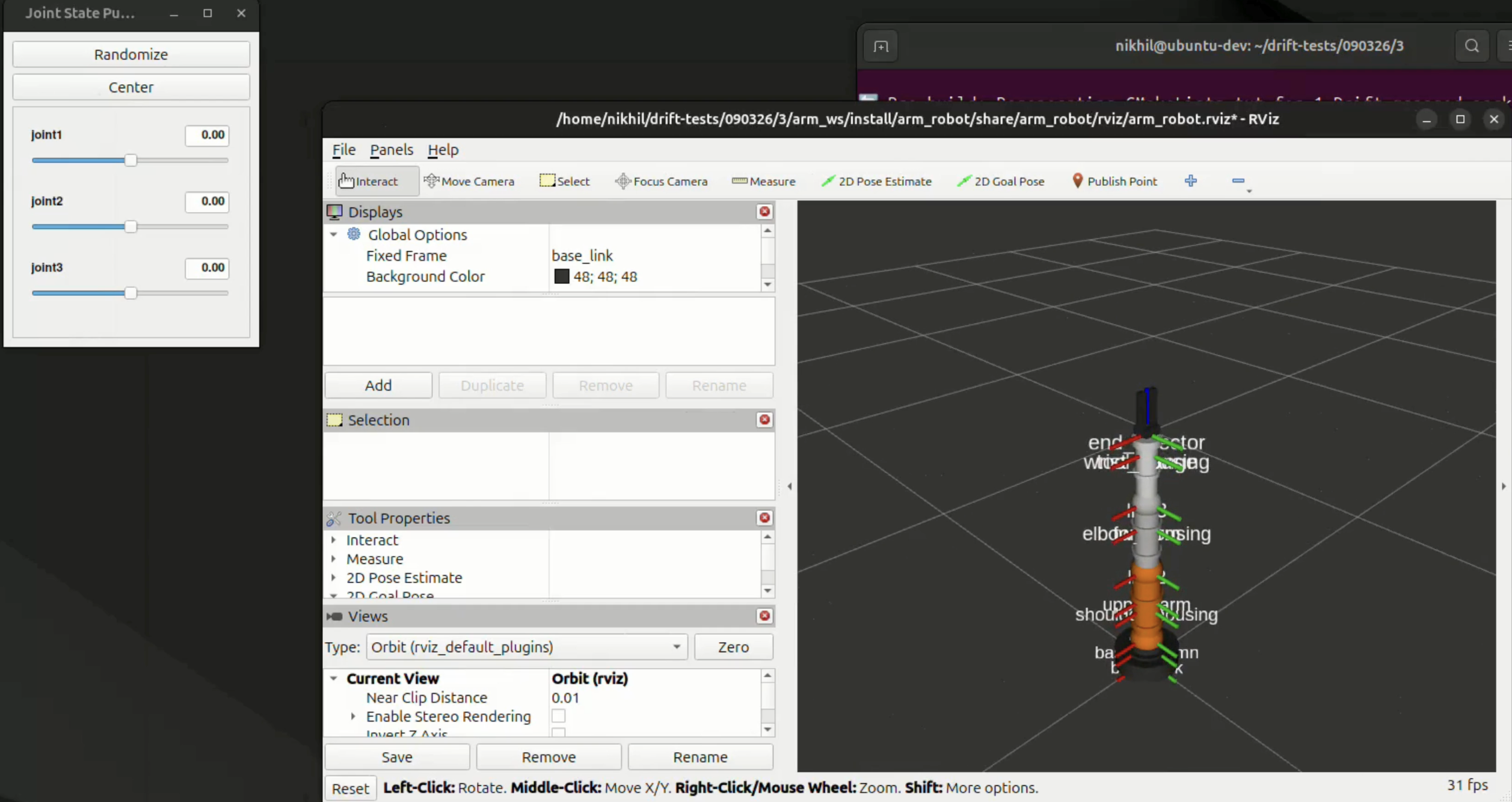
colcon - Launches RViz with the robot model loaded, TF frames configured, and joint state publisher running, ready to visualize immediately
What to look for in the video
- Drift plans and executes every step in sequence: no manual input after the prompt
- The robot appears in RViz with proper joint structure and visual geometry
- The
drift>prompt is the only interface used: no file editing, no terminal switching, no RViz config touched manually